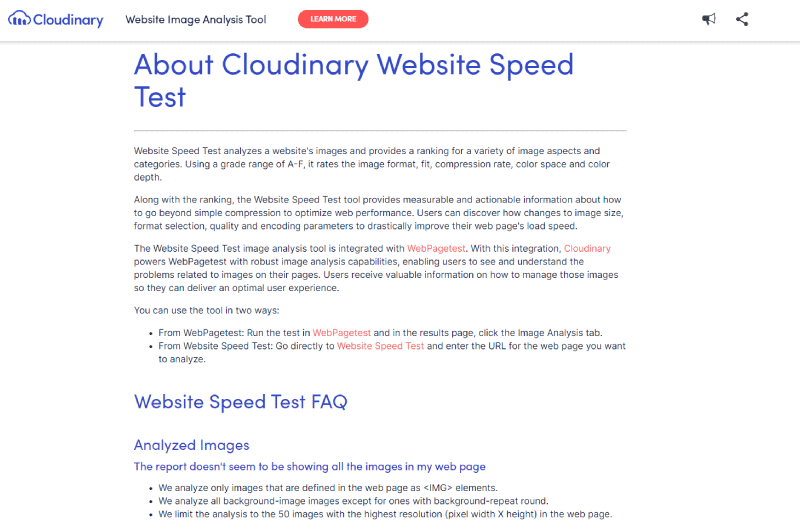





Cloudinary and WebPageTest have come together to create an image analysis and website speed test tool that can analyze the content, format and size of each image present on a URL. The tool generates a comprehensive analytics report with valuable insights and recommendations that can be leveraged to improve your site’s performance.You also have more optimized versions of your images that you can download and replace your old images.
What is Website Speed Test – Cloudinary
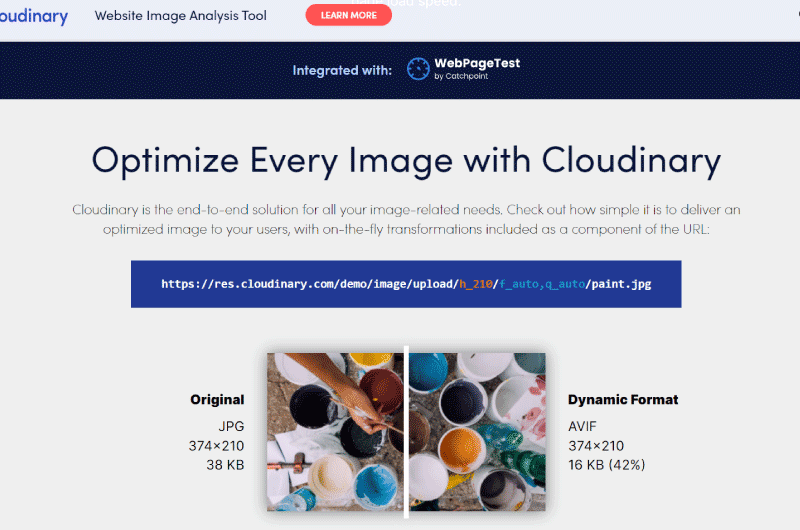
Compression remains one of the essential tasks to optimize the images of a page or a website, but it is far from the only one. Cloudinary, the cloud-based image and video management company now allows Website Speed Test to analyze their image content and access insights that can be measured and leveraged for better website performance optimization. a website.Concretely, the tool provides recommendations on the best way to adjust the size, format, quality and encoding parameters of images to improve the loading speed of the site. This will allow you to offer a better user experience to visitors.
Website Speed Test – Cloudinary: How to use the tool?
Enter the URL of the page or website whose images you want to analyze and then launch the query.
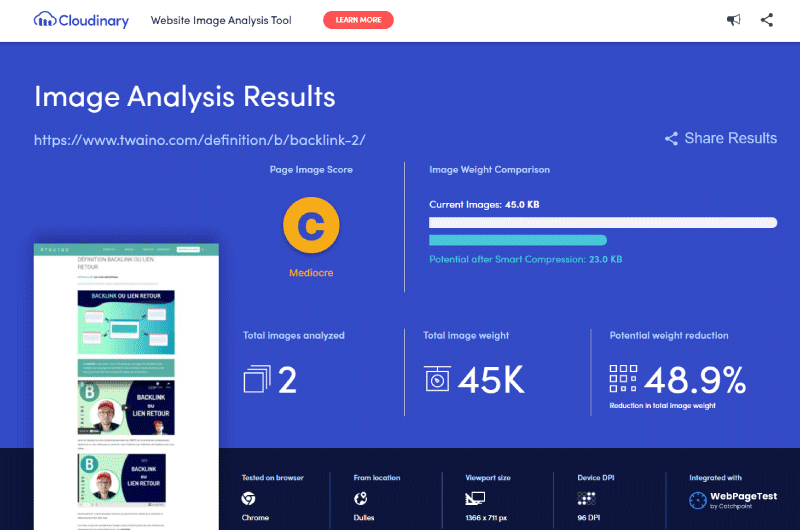
The tool will therefore explore and analyze all the images present on the URL, taking into account a few criteria, in particular the browser used, the geographical position, the size of the window and the DPI of the screen. After a minute or two, Website Speed Test – Cloudinary will display a rather detailed analysis report that will allow you to:
1. Evaluate the overall performance
In the analysis report generated by Website Speed Test – Cloudinary, you will find a first section that globally presents the performance of the URL through 2 important pieces of information: An Image Image Score in the form of an alphabetical note: The tool analyzes all the good and bad optimization practices that have been used on the URL and translates them into a note. In other words, this letter grade is used to evaluate the image optimization strategy used on the URL. A weight comparison: The tool also displaysa potential saving of kilobytes that could have been obtained after an optimal compression of the image. With the two gauges presented in different colors, it is easy to make the comparison and easily realize the number of kilobytes that can be compressed further to boost the page loading speed even more.
2. Discover the problems specific to each image
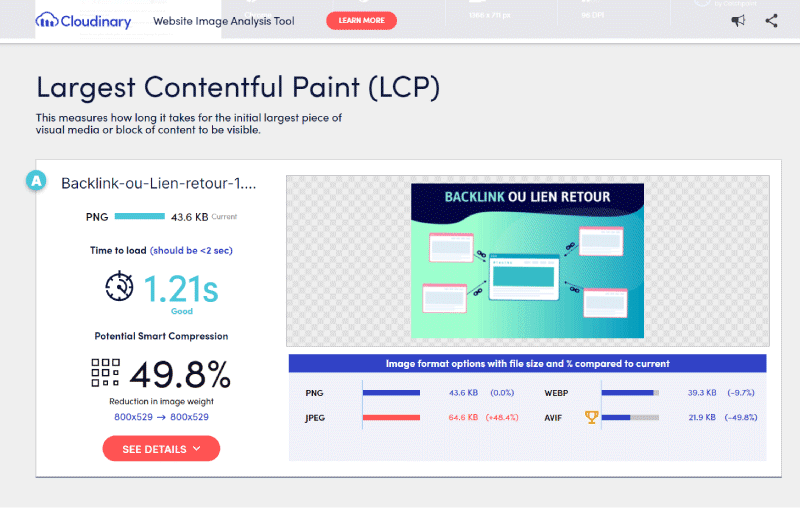
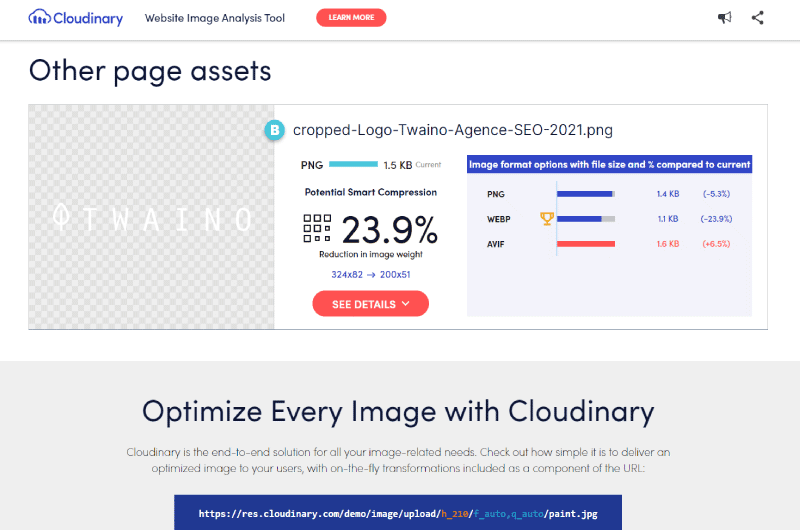
Now that you have an overall assessment of the performance of the page, Website Speed Test – Cloudinary offers a second section devoted this time to presenting the specific problems encountered on each image. Indeed, by scrolling down the report page a little, you will discover each image followed by a mini report. By interpreting this specific report, you can find information on how each image was optimized, namely:
The format used
The weight of the image
The time required for the largest piece of the image to be displayed completely
You You will also discover recommendations to optimize your images, namely:
The best format to use
A potential saving of kilobytes that could have been obtained after an optimal compression of the image.
In this specific section, Website Speed Test – Cloudinary again displays 2 important information namely:
A letter grade
And a percentage of potential savings.
However, to really understand these metrics, it will be necessary to click on the “See More” button to obtain a more detailed report divided into 3 main panels. “Current” panel: This first panel provides details about the image as it is displayed on the URL. As can be seen on the red box above, this panel allows to discover more information on what could have been done on:
The format of the image
The dimensions of the image
The compression of the image
space
Color depth
Metadata
You will also find a list of supported browsers. The “Optimized Image” panel: In this second panel, Website Speed Test – Cloudinary offers a more optimized version of the image with the possibility of downloading it and using it on your web page. To help you better compare the two versions, the tool provides a detailed description of the parameters used to offer this more optimized version. The browsers compatible with the image format are also presented. Panel “Other alternative formats”: As already indicated by the name, this last panel offers other alternative optimized versions to the one presented on the second panel as well as the supported browsers. The tool offers a download option.A description is also provided to understand the settings used to create these alternate versions of the image.
How to treat the diagnosed problems?
As seen, Website Speed Test – Cloudinary provides enough valuable details about images on a page and offers recommendations to optimize them and improve overall site performance. But concretely, how to treat diagnostic problems?
For Small Websites
If you have a small site with a controllable number of images, you should be able to apply these recommendations and provide a better user experience for your visitors.To do this:
page Fill in the URL of the page you want to optimize
Browse the generated analysis report
Choose from the optimized image versions offered by the tool then download which ones work for you
Import these images to your website and replace them with the old
ones For large websites
For large websites with large amounts of images, how to deal with issues diagnosed by Website Speed Test – Cloudinary will depend on your workflow. For example, it may be necessary to opt for a semi-automated solution to solve the compression problems diagnosed by the tool in order to go faster. Basically, depending on the size of your site and the problems diagnosed, you can find effective and quick methods to fix them.
Website Speed Test: Pros and Cons
Pros
One of the oldest and free website performance testing tools
Useful tool for identifying slow loading assets
Cons
May be difficult for some users to pick up
Website Speed Test – Cloudinary : Pricing
Free tool
Videos : Website Speed
Images : Website Speed
Company : Website Speed
Website Image Analysis is a software developed by the company Cloudinary. The latter was founded in 2012 by Itai Lahan, Tal Lev Ami and Nadav Soferman, all three experts in their field. Cloudinary’s headquarters are based in Santa Clara, California. The company specializes in the creation and visualization of images and videos. Its main mission is to support the various companies, regardless of their size, to improve the use of their media.Their first intention is certainly to allow these companies to offer a better visual experience to Internet users who stream on their websites. With this in mind, they have developed SEO tools like Website Image analysis. It is a website image analysis platform integrated with Catchpoint’s WebPageTest. The tool allows you to optimize the loading speed of your pages based on the images of your web pages.The other products developed by Website Image Analysis are:
Founder of the SEO agency Twaino, Alexandre Marotel is passionate about SEO and generating traffic on the internet. He is the author of numerous publications, and has a Youtube channel which aims to help entrepreneurs create their websites and be better referenced in Google.