Description
After a search on Google, the search engine returns results that can take several forms: profiles, documents, list of URLs, images, web pages, etc. Manually browse and sort all this data in order to identify those that seem to you really relevant can be quite a tedious and sometimes inefficient task. Scraper is a tool that allows you to precisely extract the data that is useful to you from websites.What is web scraping?
Scraping is a process of extracting public data from a website and organizing it on a spreadsheet. It can be any type of data: text, images, links, tables, etc. https://www.twaino.com/definition/s/scrap/
Generally, the scraping technique is used to get price and product reviews, generate leads, monitor blog posts, etc.
https://www.twaino.com/definition/s/scrap/
Generally, the scraping technique is used to get price and product reviews, generate leads, monitor blog posts, etc.
What is the Scraper Tool?
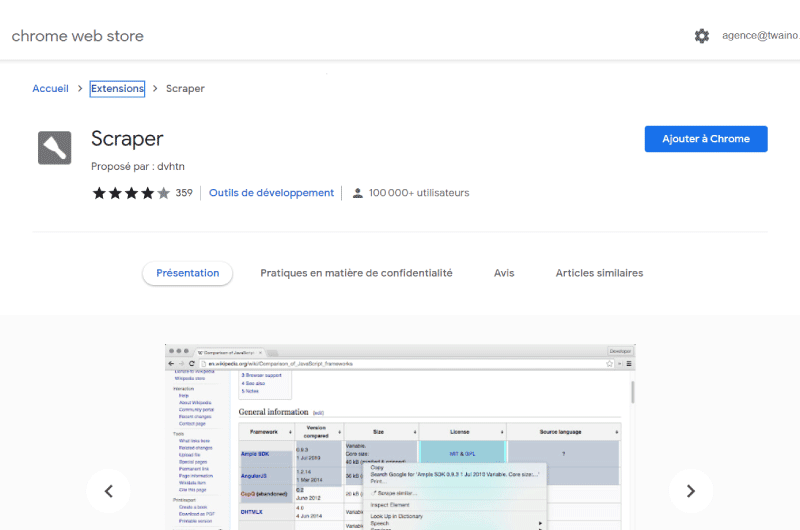
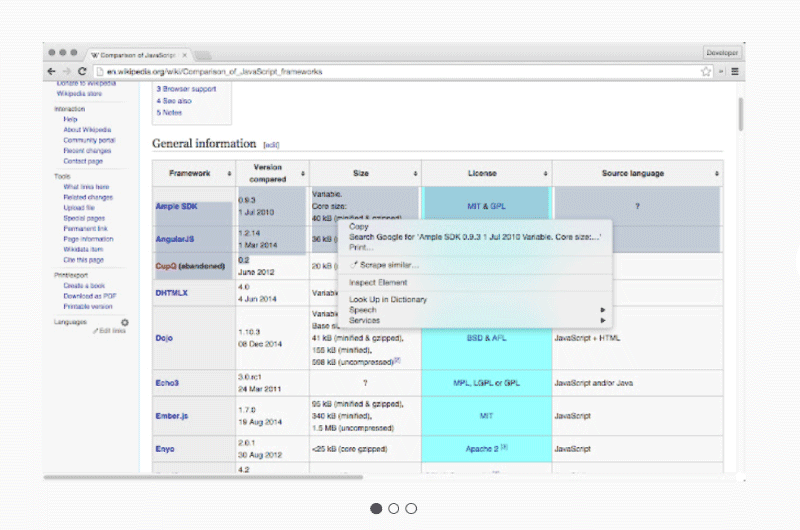
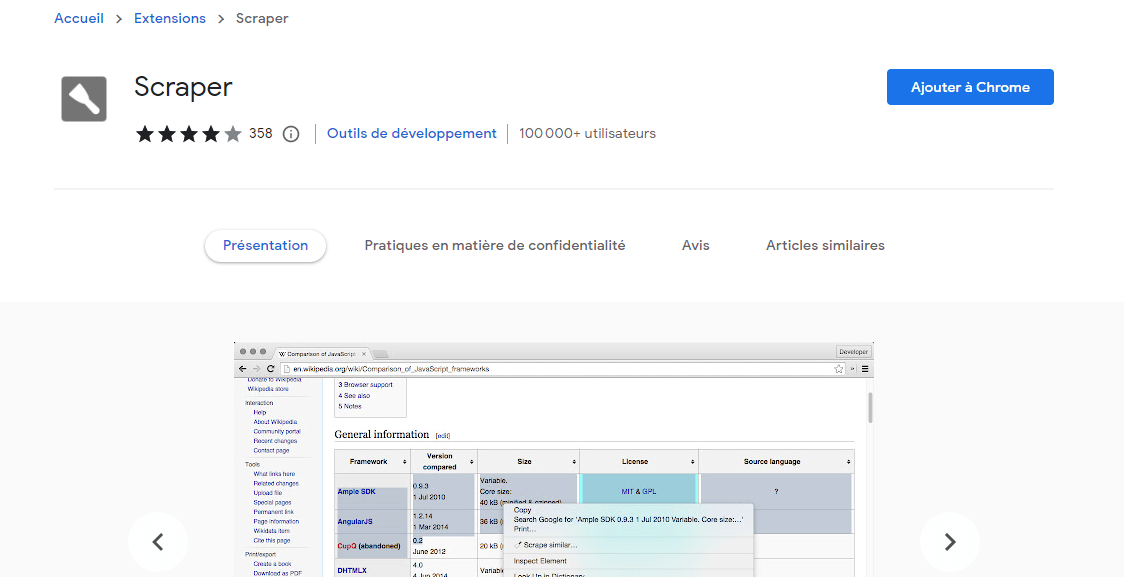
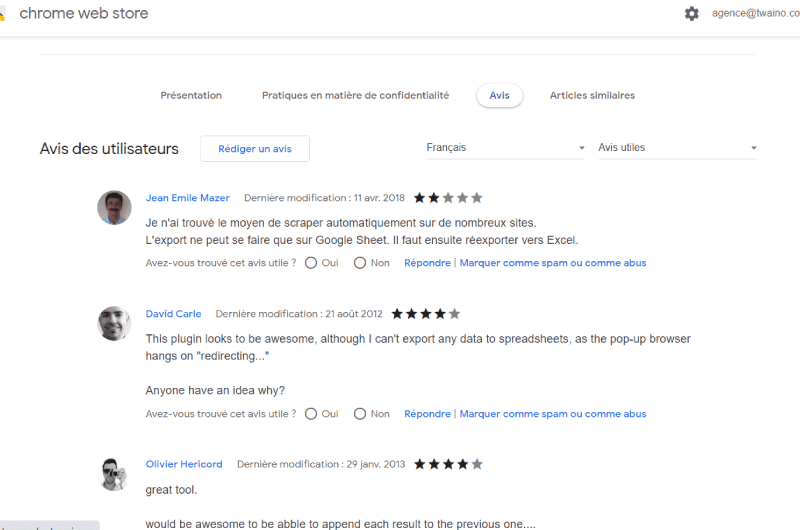
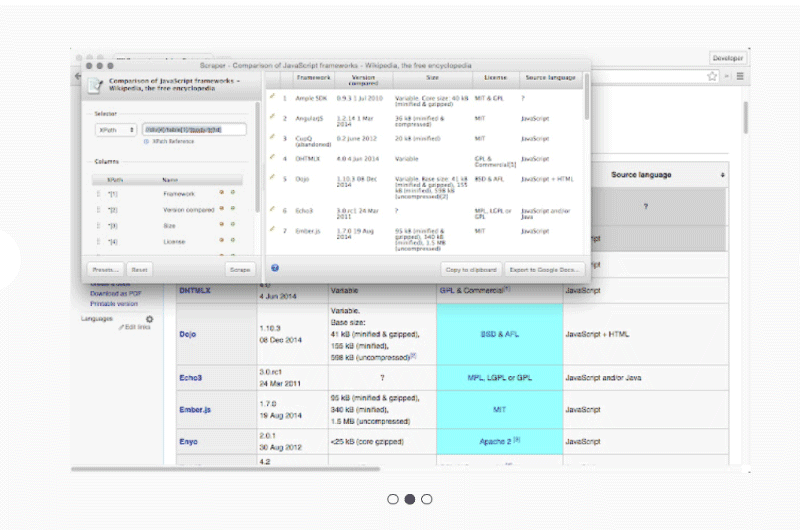
Scraper is an easy-to-install crawler extension that lets you quickly get web data in spreadsheet form.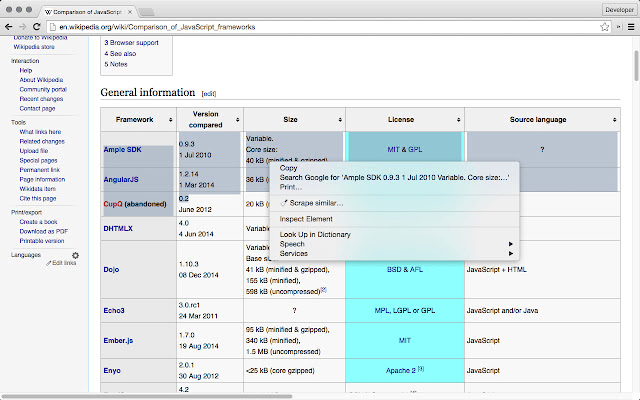 Source: Web Store Chrome
The tool is available as a Chrome extension that you install on your browser. So whenever you visit a website, Scraper lets you extract the available data and convert it to a spreadsheet.
Even though the tool has some limitations, if you are looking for a way to make it easier to collect information online, Scraper can be a good choice.
Source: Web Store Chrome
The tool is available as a Chrome extension that you install on your browser. So whenever you visit a website, Scraper lets you extract the available data and convert it to a spreadsheet.
Even though the tool has some limitations, if you are looking for a way to make it easier to collect information online, Scraper can be a good choice.
Why use Scraper?
Unlike cloud-based scraping software that needs to be installed on your computer, Scraper is a lightweight extension that integrates with your web browser and takes up less resources. Moreover, the tool is accessible for free without any freemium plan.Who is Scraper for?
Scraper is an easy to install extension. However, it is important to remember that the tool is much more intended for those who have knowledge of XPath. Indeed, you will be more comfortable when using Scraper if you have a bit of Xpath skill.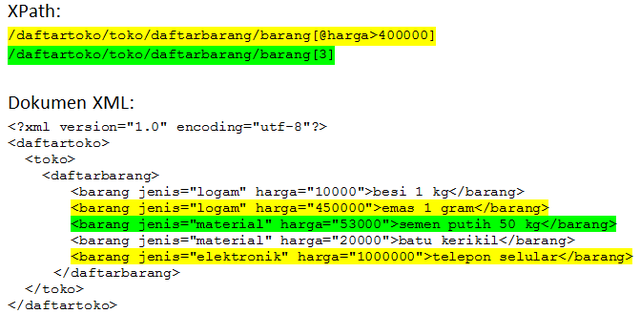 Source: Wikipedia
Which makes Scraper a tool much more aimed at intermediate or advanced level users.
However, even without any special skills, you should be able to copy data to the clipboard or export it to a sheet of Google Sheet without difficulty.
Source: Wikipedia
Which makes Scraper a tool much more aimed at intermediate or advanced level users.
However, even without any special skills, you should be able to copy data to the clipboard or export it to a sheet of Google Sheet without difficulty.
Scraper: The features
The features of the Scraper extension evolve over time, from one version to another: Version 1.7- Ability to copy data to the clipboard (as values separated by tabs)
- Upgrade for Google Docs export Upgraded
- to version 2 and added online store promotional images
- Fixed spreadsheet titles ending in colons when exporting
- Added other minor fixes
- Minor fixes
- Added presets functionality
- Smaller xpaths are automatically generated
- Line breaks are now taken into account in export files
- Table selector is revised to ignore lines that do not contain TDs
Comment use Scraper?
- To get started, head over to the Chrome Web Store and then search for theScraper extension.
- Click the “Add to Chrome” button to install it on your computer.
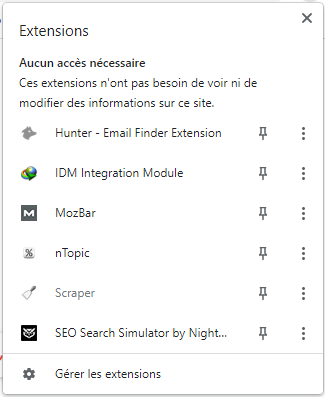
 Unlike most extensions, Scraper stays grayed out in the list of extensions you have installed on your browser.
That is, you cannot click on the Scraper icon to access the tool’s features.
Unlike most extensions, Scraper stays grayed out in the list of extensions you have installed on your browser.
That is, you cannot click on the Scraper icon to access the tool’s features.
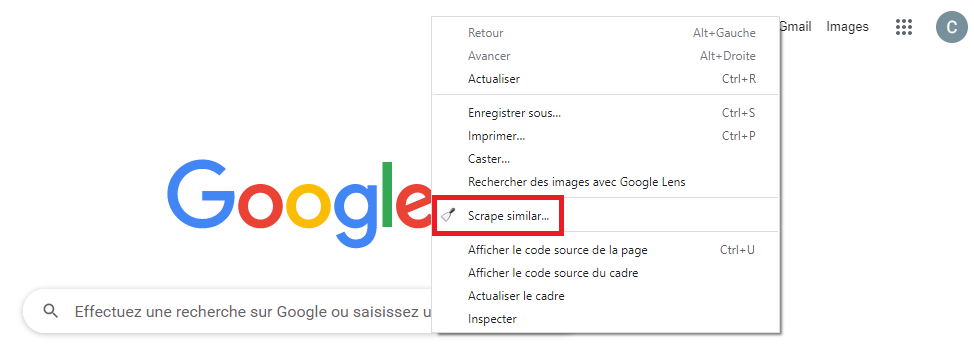
 Instead, you’ll notice a new option in the context menu when you right-click on a webpage. This new option is labeled “SCRAPE SIMILAR”.
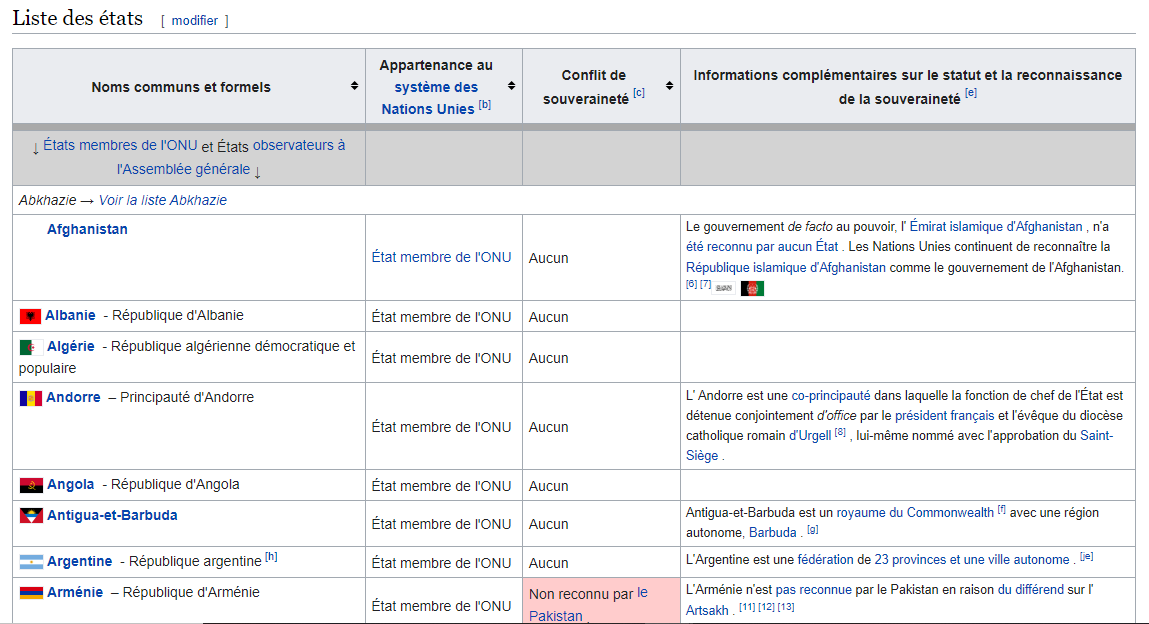
 To test how the tool works, we will attempt to extract data from this Wikipedia page.
This is a page that lists all sovereign states with information such as their membership in the United Nations system and other additional information about their status and recognition of sovereignty.
To test how the tool works, we will attempt to extract data from this Wikipedia page.
This is a page that lists all sovereign states with information such as their membership in the United Nations system and other additional information about their status and recognition of sovereignty.
- Right-click on a line and then click on the new “SCRAPPE SIMILAR” option. A new pop-up window should appear on the screen.
- You can then choose to click the “Copy to Newspaper” button to paste the information into a spreadsheet.
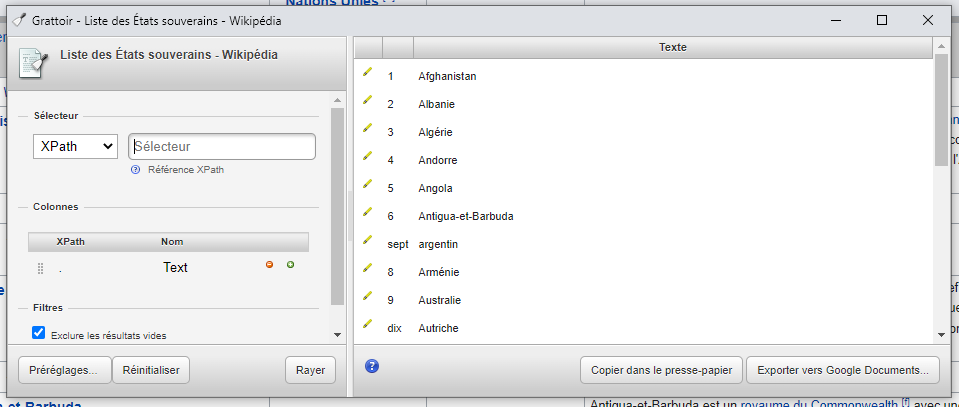
- As you can also choose to click on the “Export to Google Document” button to extract the data to a Google Sheet spreadsheet.




 Alexandre MAROTEL
Founder of the SEO agency Twaino, Alexandre Marotel is passionate about SEO and generating traffic on the internet. He is the author of numerous publications, and has a Youtube channel which aims to help entrepreneurs create their websites and be better referenced in Google.